
Features
Everything you need to remember, and nothing you don't.
BuddyWith keeps the useful details about the people in your life on your own iPhone, ready the moment you need them.
People
Your people, at a glance.
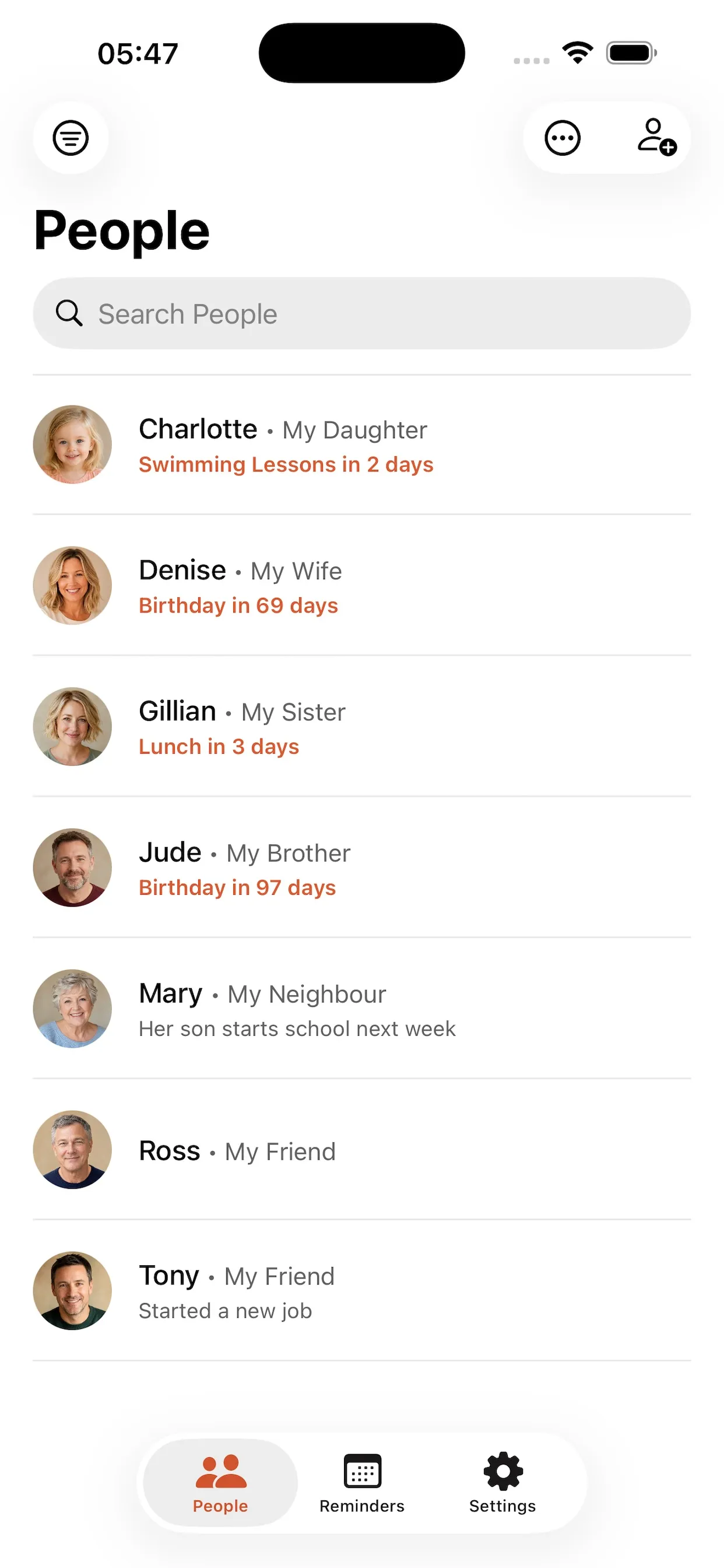
Every person you add appears in one searchable list, with their photo, how you know them and anything coming up soon. Search by name or filter by group, relationship or favourites to find someone straight away.
Personal details
As much or as little as you like.
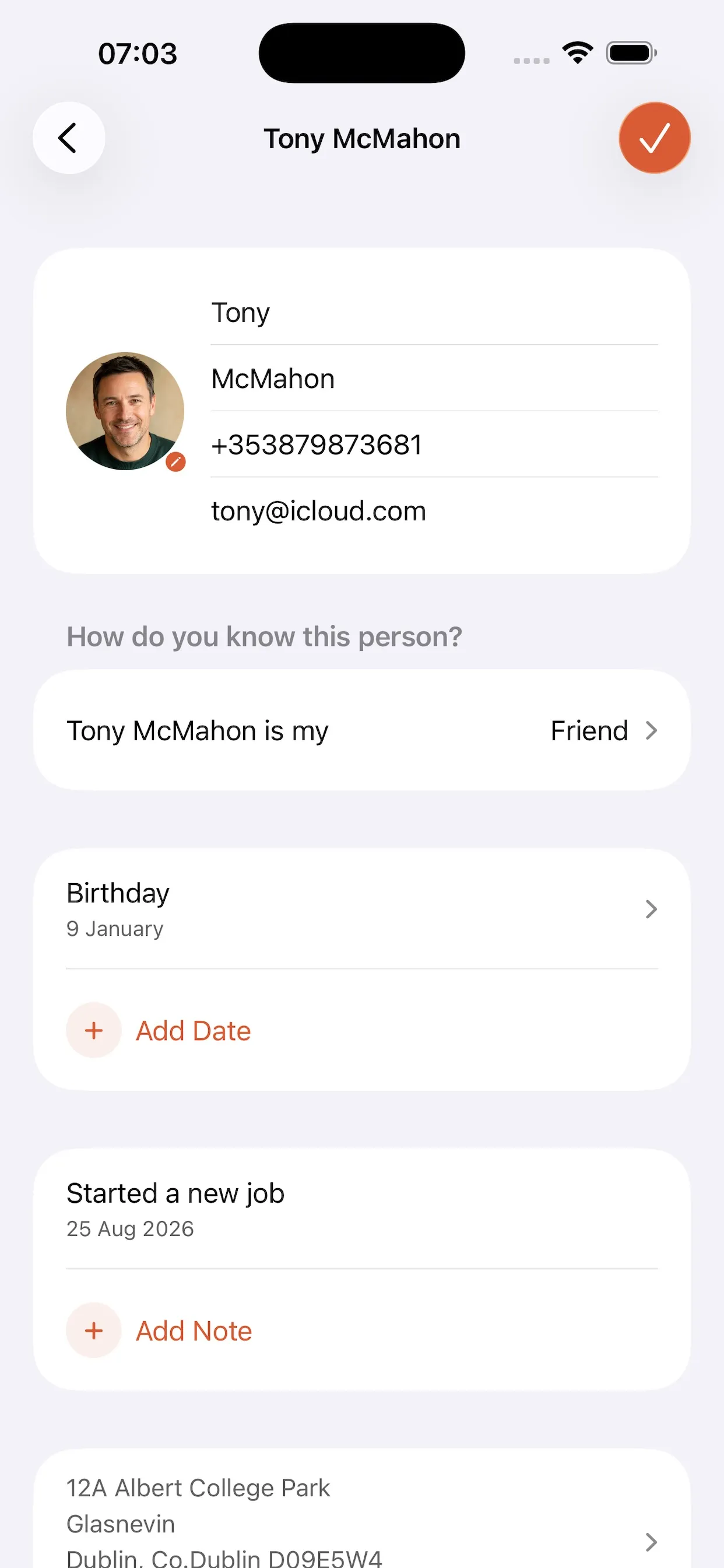
A given name is enough to save someone. Add a photo, nickname, phone numbers, email addresses, a postal address, social profiles and a short note about how you know them whenever it suits you.
Notes
In your own words.
Write down whatever you want to remember about someone — how you met, what they are dealing with this month, the thing you always forget — and pin the note you reach for most so it stays at the top. Notes stay private: their content is never used in reminders, diagnostics or usage information.
Dates and reminders
Birthdays, anniversaries and plans.
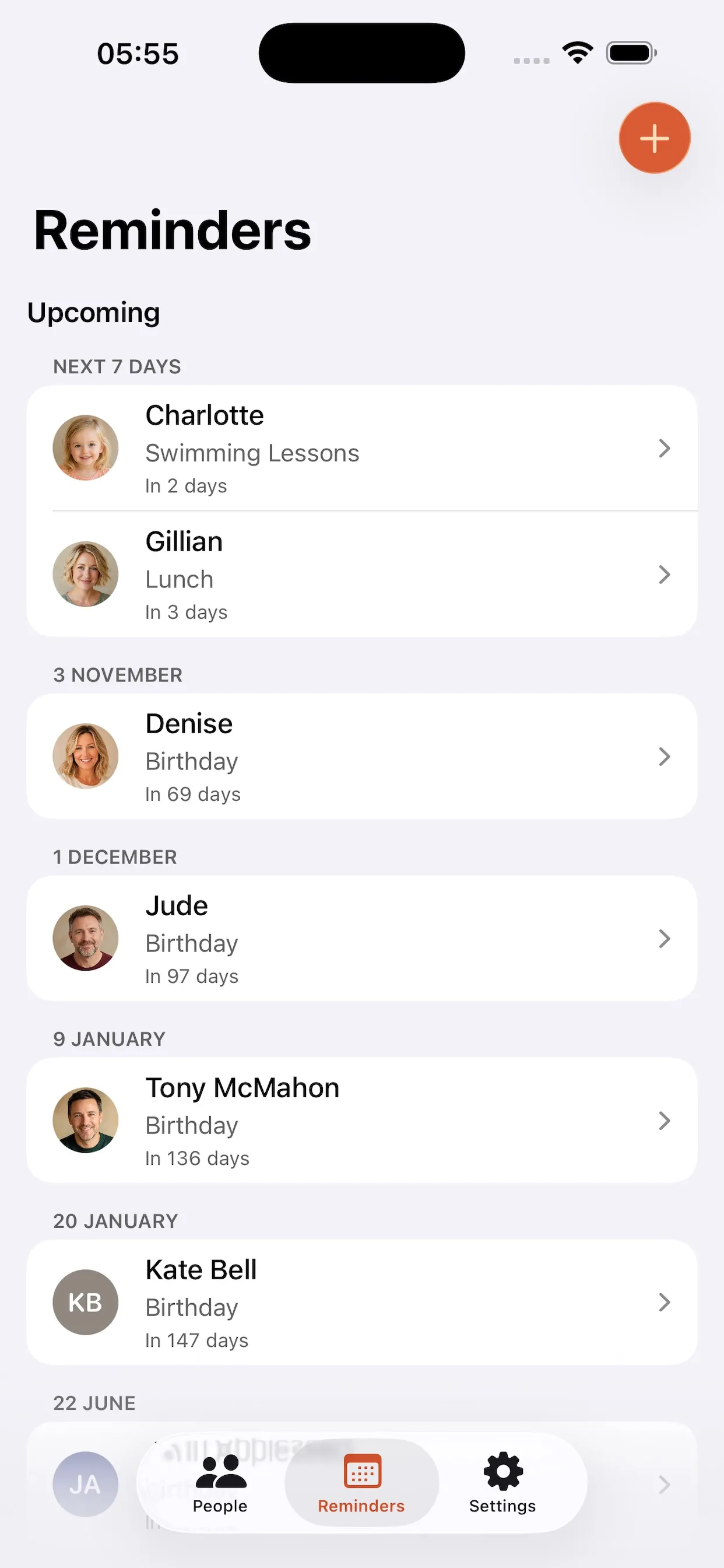
Record birthdays, anniversaries and other dates — with the year, or without it when you do not know it — and see everything that is coming up in one place. Add a reminder and BuddyWith tells you in advance.
Family & Friends
Relationships you can follow.
Relationships are real records rather than a line in a note. Open someone's Family & Friends to see the people around them, named from their point of view, and tap through to anyone else.

Quick actions
One tap to get in touch.
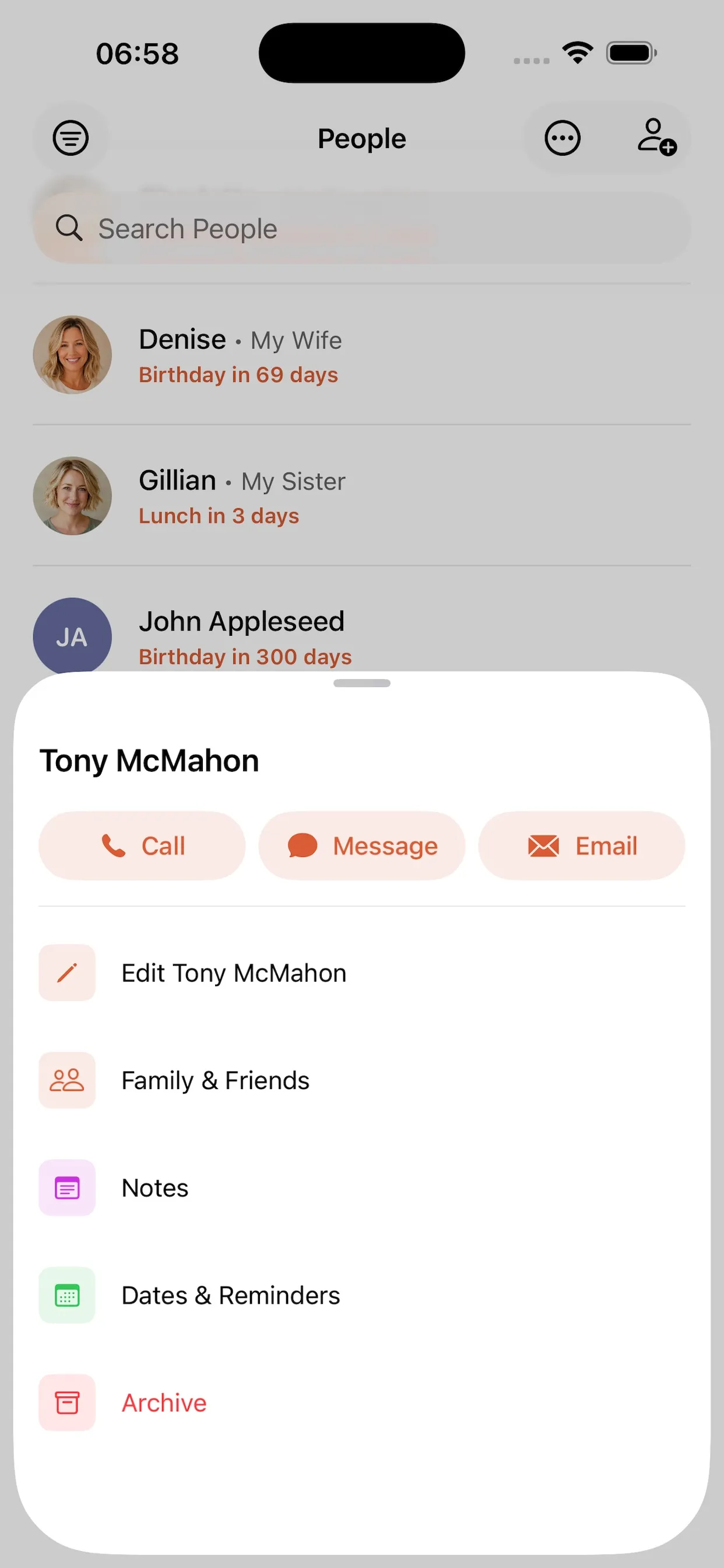
Open a person to call, message or email them straight away, or jump to their notes, dates and reminders, or Family & Friends without hunting through menus.
Import
Start from the contacts you already have.
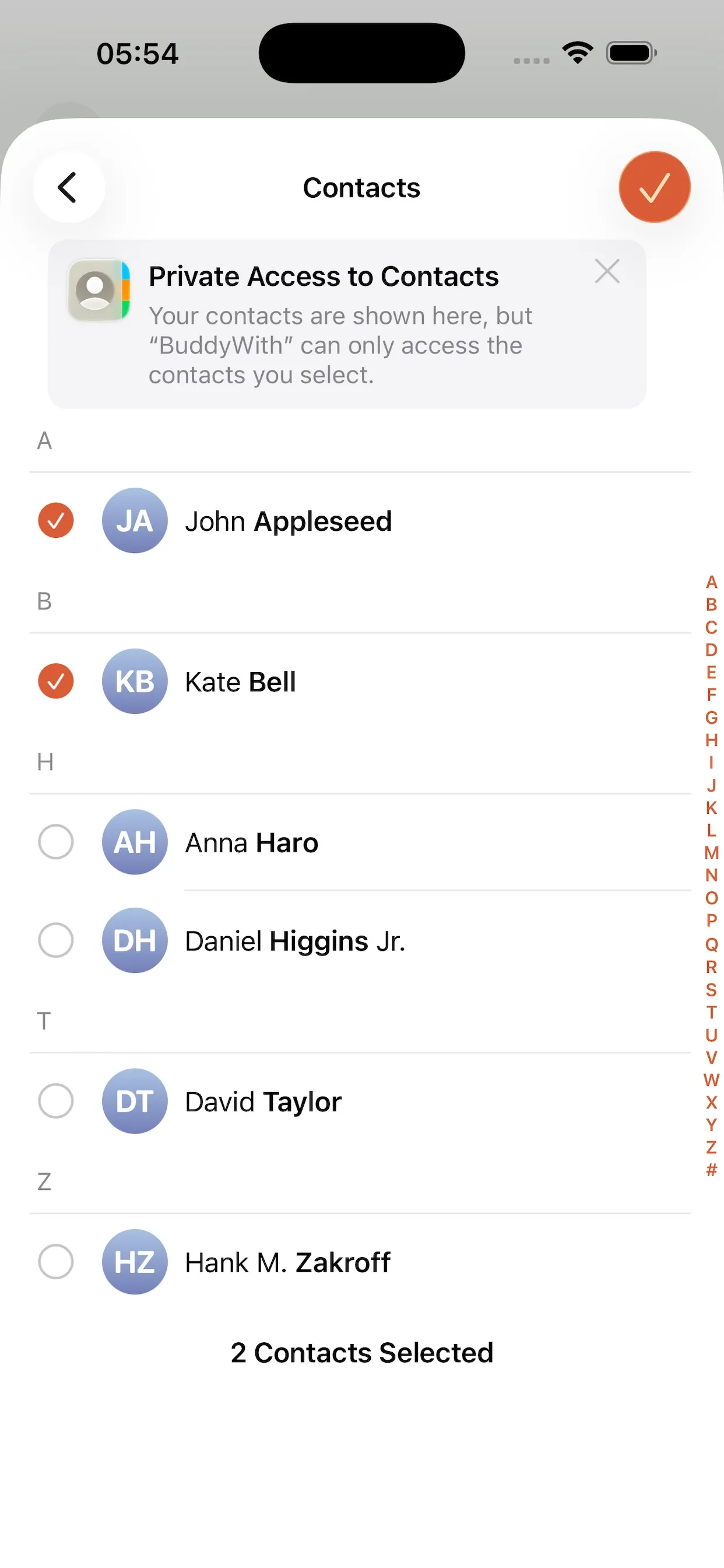
Bring someone across from your iPhone contacts and BuddyWith fills in the details it recognises. You choose exactly who is shared, and your contacts are never changed.
Groups and batch editing
Organised as your circle grows.
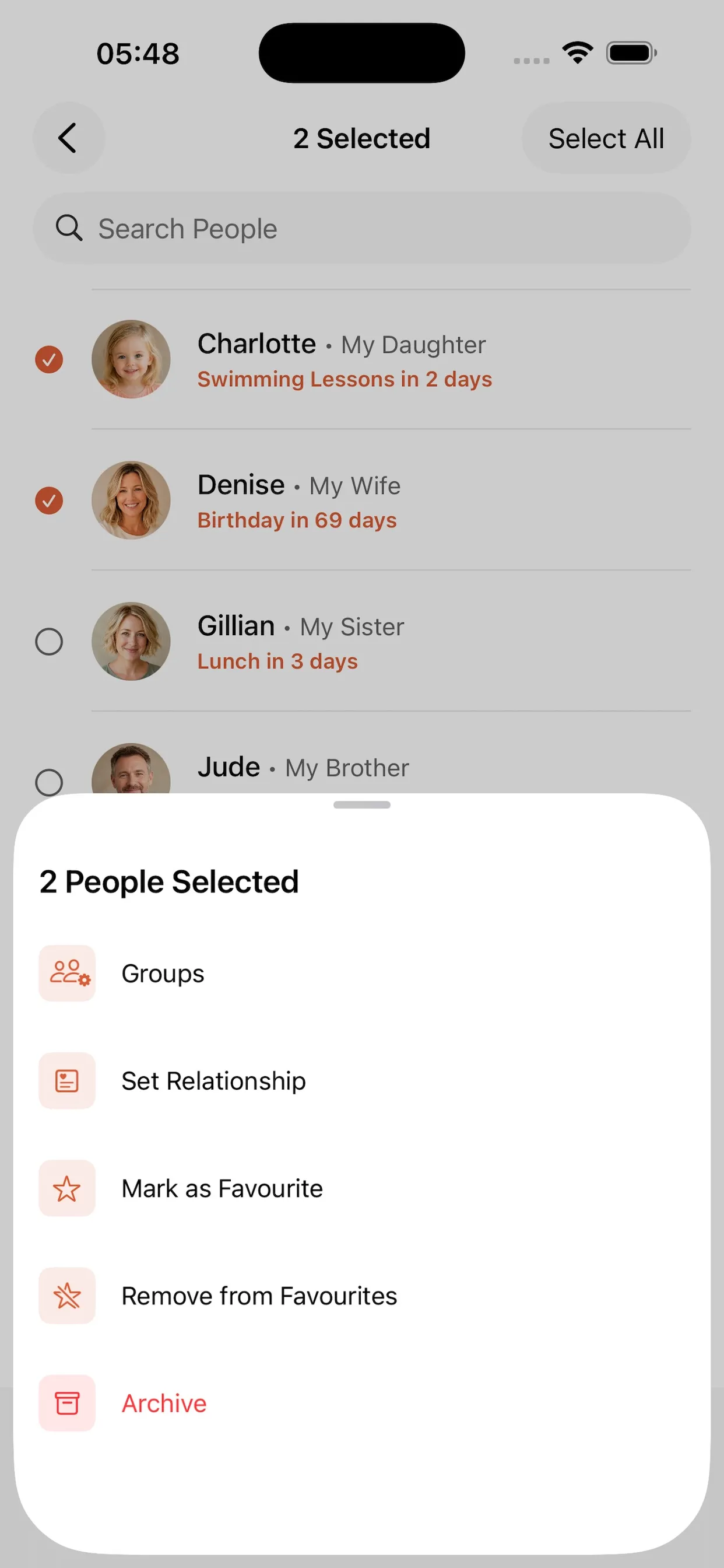
Put people into groups that match your life, then use selection mode to add several people to a group, set the same relationship, mark favourites or archive them in one go.
BuddyWith Pro
More room when you need it.
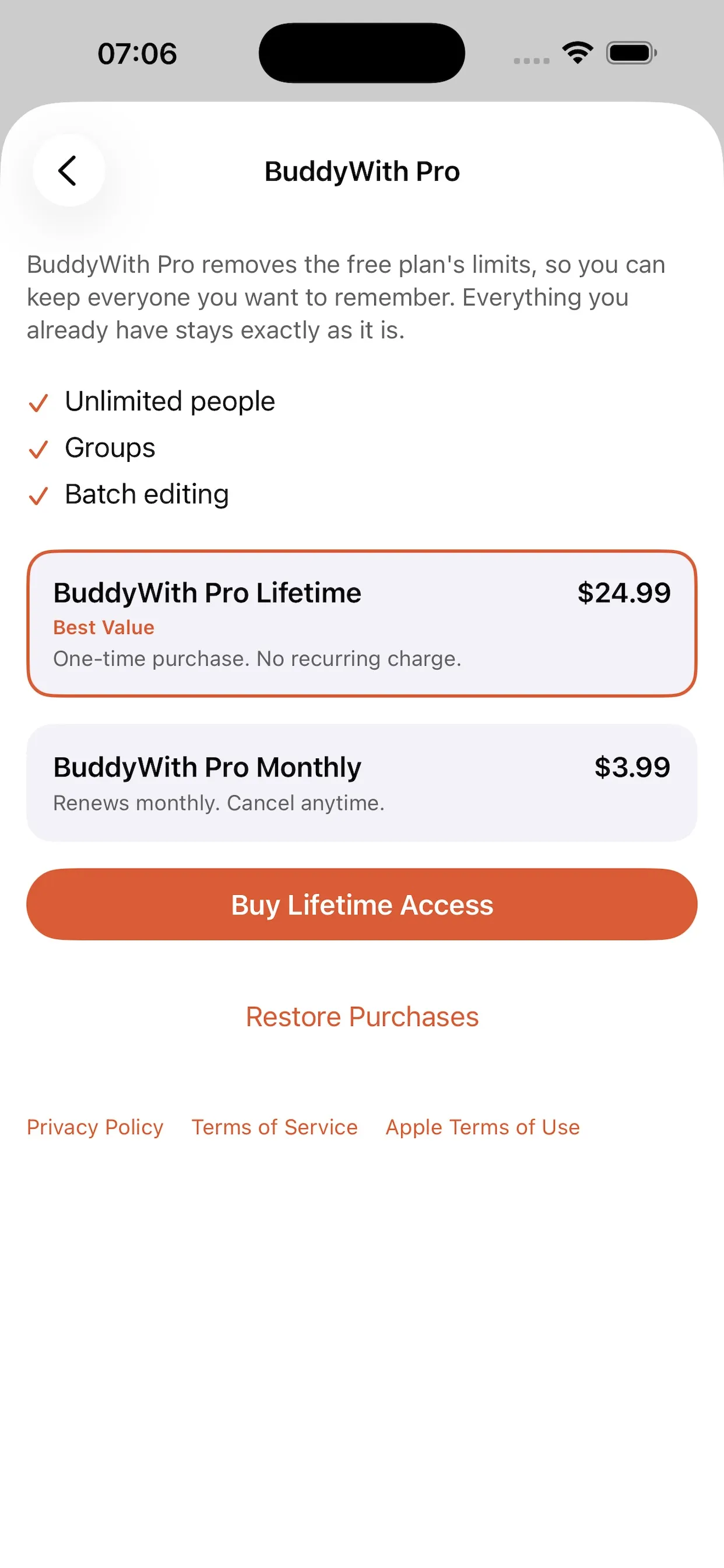
BuddyWith is free for up to 30 people. BuddyWith Pro removes the limit and unlocks groups and batch editing, as a one-time lifetime purchase or a monthly subscription, with prices shown by the App Store in your own currency.
Remember the little things that matter.
Keep notes, important dates and reminders for the people in your life, all in one simple, private place.
BuddyWith is available for iPhone only.